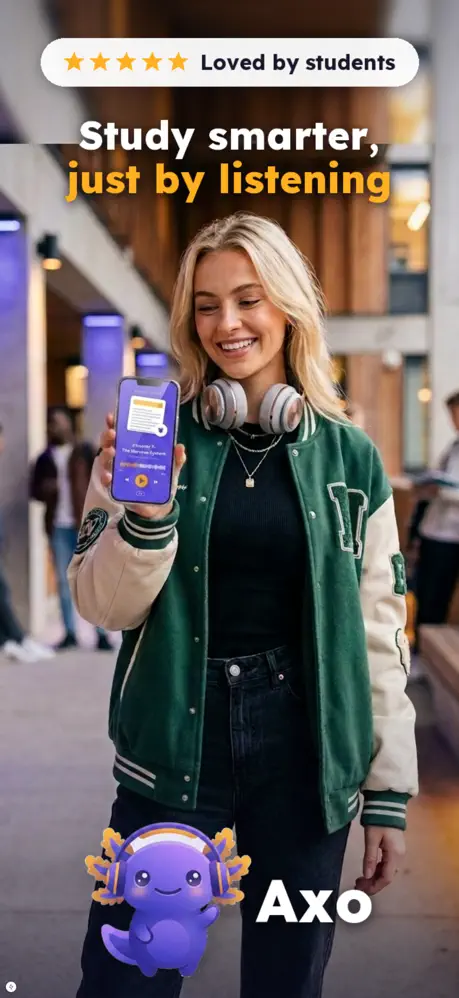
Turn anything into a podcast, summary, quiz or flashcards.
Drop in a PDF, YouTube link, article, lecture recording or photo — Axo turns it into something you can listen to, study and remember.

Study-ready outputs from the sources you already use
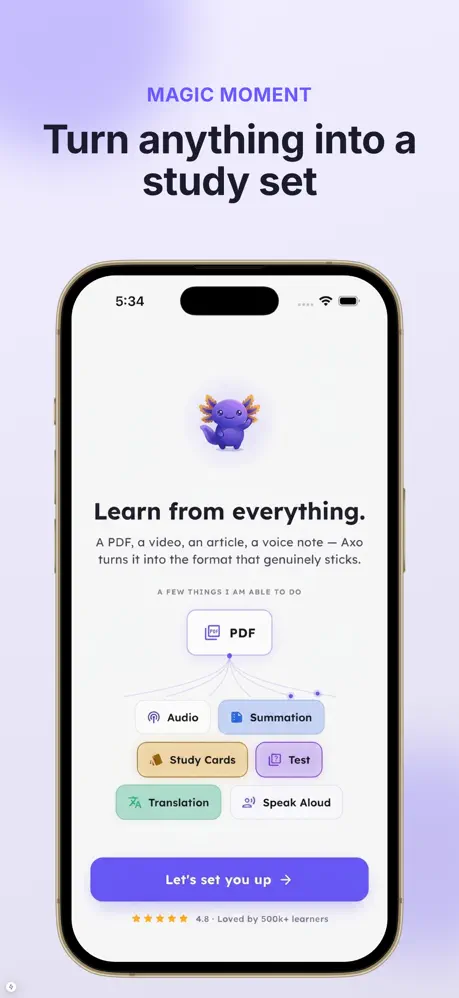
Pick any source, choose what you need — Axo generates it in your language, ready to listen, review and test yourself.
Podcast
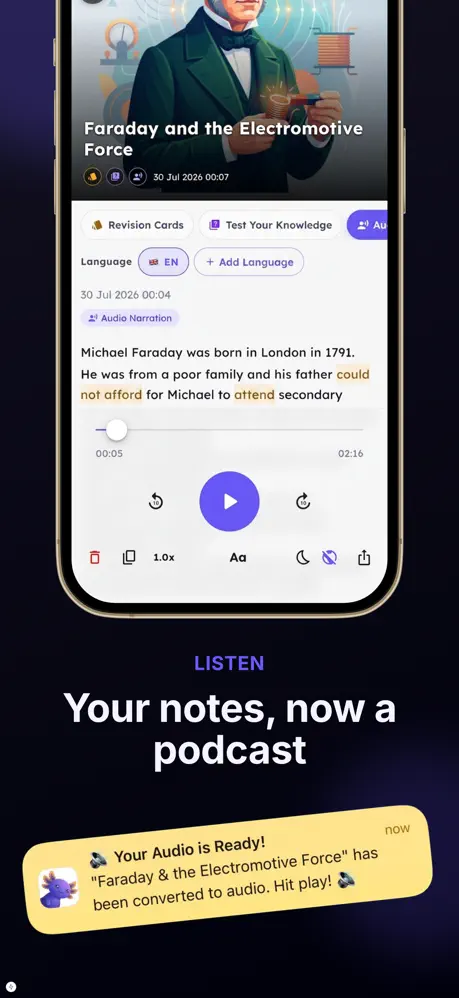
Turn dense reading into a natural, hosted audio episode you can play on the go.
Summary
The key points and takeaways, distilled — skim a 40-page PDF in two minutes.
Flashcards
Auto-generated study cards to memorize the essentials and beat the forgetting curve.
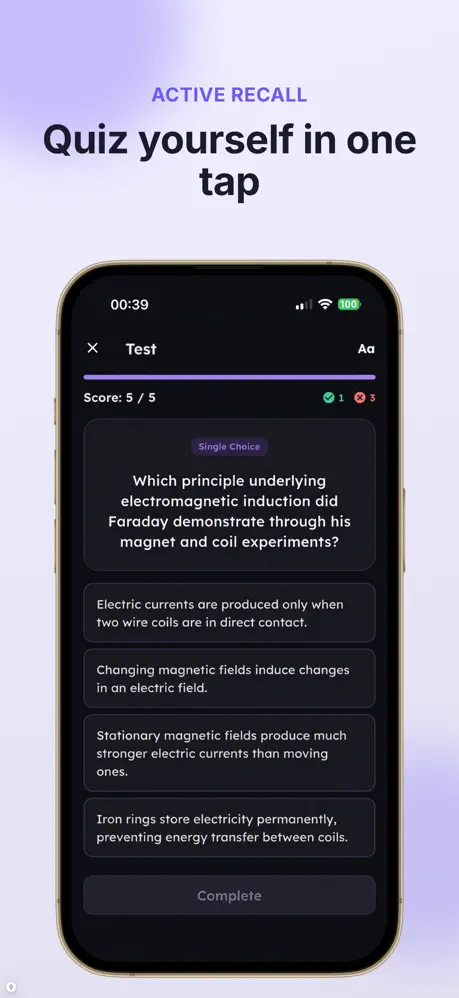
Quiz
Practice questions that check what you actually learned — exam prep on autopilot.
Read aloud (TTS)
Natural text-to-speech with word-by-word highlighting — turn any text into audio.
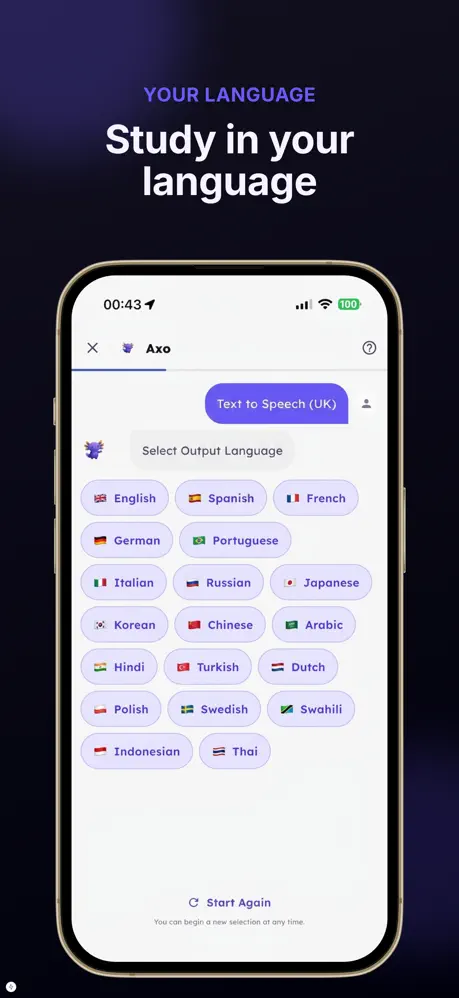
Translation
Read or listen in your language — translate the whole source with one tap.
From any source
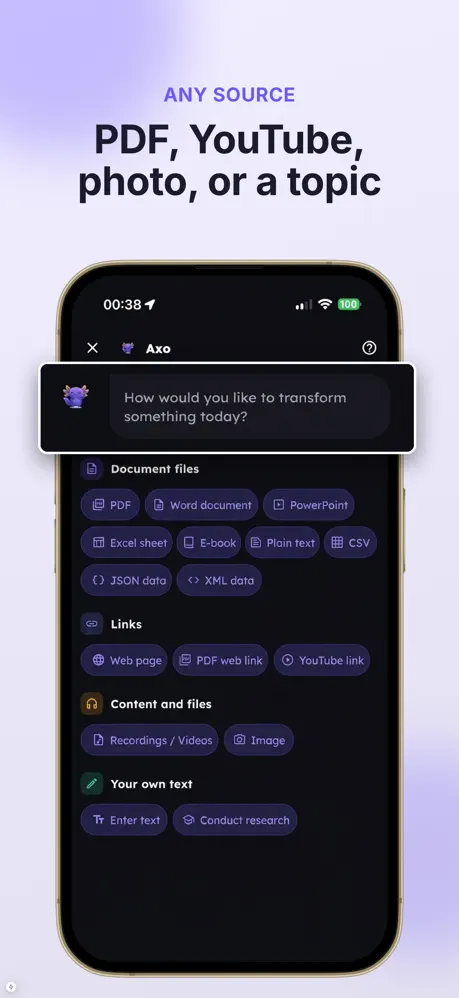
YouTube videos · web pages & articles · PDFs, Word, PowerPoint, Excel & eBooks · photos (OCR) · audio & video recordings · CSV/JSON data · or just a topic to research.
Three taps to learn anything

Add your source
Paste a link, upload a file, snap a photo, or type a topic.

Pick an output
Podcast, summary, flashcards, quiz, read-aloud or translation.

Listen & study
Axo generates it in seconds — in your library, in your language.
Public content, made with Axo
Explore podcasts, summaries and study sets people have shared — open any one in the app.
Loading…
Frequently asked questions
Is Axo free?
Yes — Axo is free to try. Turn your first PDF, video or article into a podcast, summary, quiz or flashcards at no cost. A subscription unlocks unlimited creations.
What can I turn into study material?
PDFs, Word, PowerPoint, Excel and eBooks, YouTube videos, web pages and articles, photos (OCR), audio and video recordings, CSV/JSON data — or just a topic to research.
What can Axo create?
Podcasts, summaries, flashcards, quizzes, read-aloud audio (text-to-speech) and translations — from any source, in your language.
Which languages does Axo support?
Axo works in dozens of languages: it generates and translates study material, and both the app and website are fully localized.
Is Axo on iPhone and Android?
Yes. Axo is available on the App Store for iOS and on Google Play for Android.
How does Axo protect my data?
You control what you create and can delete any content at any time. See our Privacy Policy for details.
What devices support the Axo app?
The official Axo app is available for iOS devices, allowing iPhone users to convert study files, articles, and documents into AI-narrated audio sessions and study aids directly on their mobile device.
Is the Axo AI study companion free to use?
Axo is free to start, allowing users to test its audio conversions, summaries, quizzes, and flashcards without an upfront fee. A Pro plan is offered for users who require additional creation capacity.
How the Axo AI App Works for Studying
The axo app is designed to transform written documents, study materials, and reading lists into audio and structured review tools. By converting files such as PDFs, articles, and ebooks into hosted audio discussions using AI voices, the application provides an alternative way to digest complex material on iOS devices. Beyond generating audio episodes, the app processes your source documents into study aids such as concise summaries, flashcards, practice quizzes, and direct text-to-speech with word-by-word highlighting. Users can start for free by adding a document to test how the AI companion condenses long texts into audio and review formats, while a Pro plan is available for expanded creation needs.

Learn on the go with Axo
Free to try. Turn your first PDF into a podcast today.
⬇ Download on the App Store ⬇ Get it on Google Play